 BlackScreen.live
Acer Predator Gaming Monitors Review
Acer's Predator brand targets competitive gamers with high-refresh-rate monitors at prices that undercut premium competitors like ASUS ROG and LG UltraGear. The value proposition is real, but buyers should understand the quality control trade-offs before purchasing.
1. Panel Quality and Consistency
Acer sources panels from multiple suppliers including AU Optronics, BOE, and LG Display, and the specific panel in any given unit can vary by production batch. This "panel lottery" is more pronounced with Acer than with Dell or ASUS, leading to higher variance in quality between units of the same model.
When evaluating Predator models, pay close attention to:
- Color accuracy: Factory settings can vary, so calibration is recommended for color-sensitive work
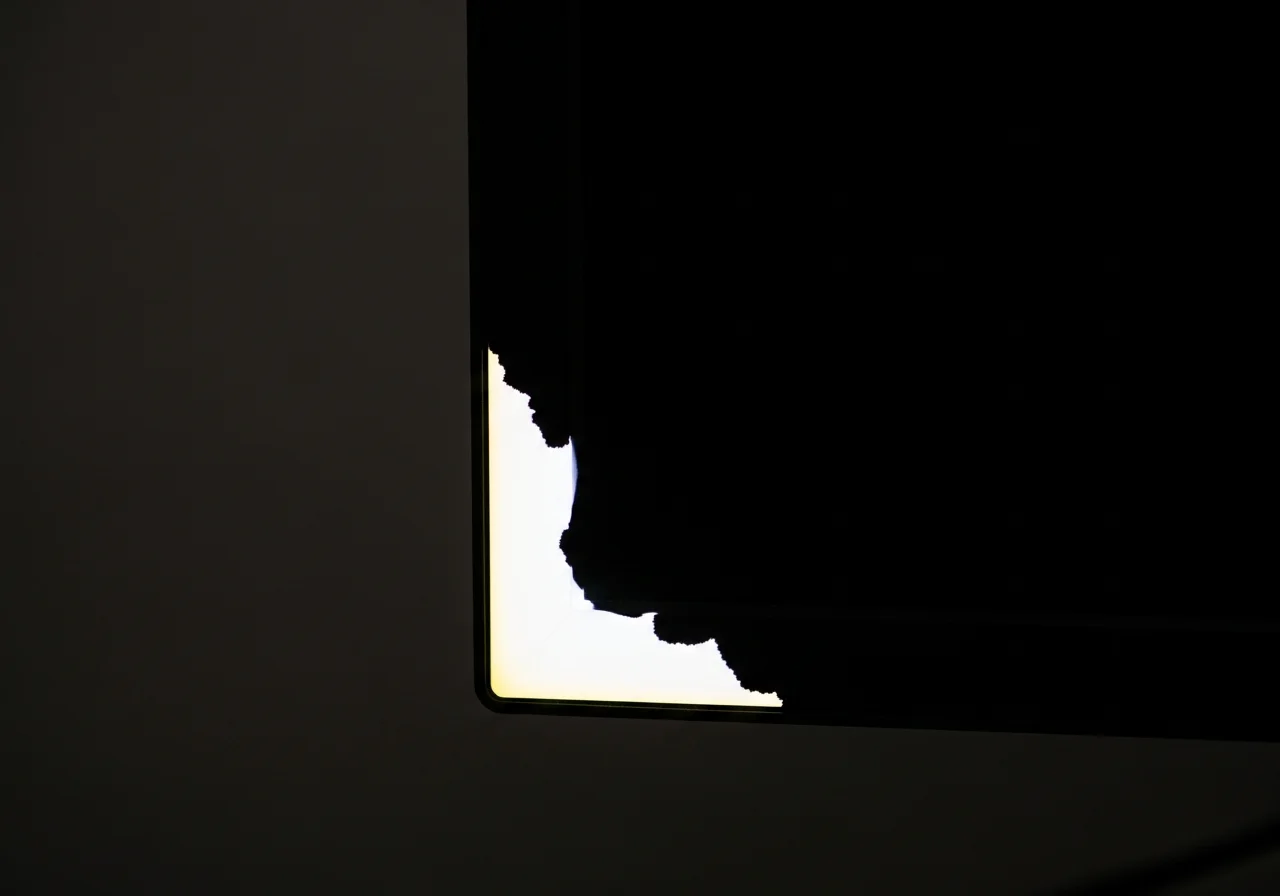
- Backlight bleed: Test dark screens immediately after purchase, especially on IPS gaming models
- Dead pixels: Check white, red, green, and blue screens before the retailer return window closes
- Response time: Treat advertised "1ms" claims as best-case marketing rather than a full-motion guarantee
2. The Warranty Problem
Acer's dead pixel policy is one of the weakest in the gaming monitor market. Standard Predator monitors require 5+ pixel defects before Acer will honor a warranty replacement. This means a monitor with 4 dead pixels in the center of the screen is considered "within specification."
Because the replacement threshold is strict, a retailer return is usually the cleaner path for early defects. Document the problem with photos and keep the original packaging until you are confident the panel is acceptable.
If warranty coverage is important to you, consider Dell, ASUS ProArt, or BenQ SW series instead.
3. Value Assessment
Despite the quality control concerns, Acer Predator monitors offer genuine value at their price points. The XB273U and XB323U provide competitive specifications at 15-25% lower prices than equivalent ASUS ROG models. For buyers who are willing to test their unit carefully and return it if defective, Predator monitors can be excellent value.
Key recommendation: Purchase from a retailer with a generous return policy (Amazon, Best Buy) and test immediately using our monitor test. If you receive a good unit, Predator monitors perform well. The risk is receiving a defective unit and facing Acer's difficult warranty process.
4. Best Predator Models
- Predator XB273U GX: 27" 1440p 270Hz IPS — best performance in the lineup
- Predator XB323QK: 32" 4K 144Hz IPS — good 4K value
- Predator CG48: 48" 4K 138Hz OLED — excellent OLED value, large format
5. Testing Your Acer Predator
- Monitor Test — complete diagnostic protocol
- Black Screen Test — check for backlight bleed (critical for Acer)
- White Screen Test — verify no dead pixels