 BlackScreen.live
About BlackScreen.live
BlackScreen.live is a small independent site for browser-based display diagnostics. We publish practical tools, plain-English testing notes, and monitor technology articles for people checking a screen before a return window closes.
Our Mission
BlackScreen.live provides free, browser-rendered display test patterns and educational articles about monitor defects, panel behavior, and basic screen care. Our goal is simple: help people inspect a display with less guesswork before they decide whether to keep it, return it, or ask the manufacturer for support.
The display industry has long operated with opaque quality standards and inconsistent warranty policies. Manufacturers publish pixel defect tolerances buried in technical documentation, often allowing multiple dead pixels before honoring a replacement. Meanwhile, consumers lack the tools to objectively measure these defects. We built BlackScreen.live to change that dynamic.
Our tools use browser-rendered solid colors and patterns instead of compressed video. That removes one common source of confusion: video compression artifacts. The results still depend on your display settings, room lighting, browser, operating system, and camera exposure if you document a defect.
Beyond tools, we publish articles grounded in display science, manufacturer documentation, public standards such as ISO 9241-307, and first-hand observations where we can make them. We try to separate what a browser test can show from what requires specialist measuring equipment.
How This Started
In 2023, Marcus bought a high-end IPS gaming monitor and suspected it had backlight bleed. He tried the usual approach: play a dark YouTube video in fullscreen and judge from there. The problem was immediately obvious — H.264 compression was crushing the blacks, making it impossible to tell the difference between the monitor's actual performance and the video codec's limitations.
— Marcus Chen, co-founder
What started as a single black screen page became a broader diagnostic suite: a guided display test, a stuck pixel fixer using rapid color cycling, a screen cleaning mode, a PPI calculator, and a growing library of technical articles about display behavior.
Everything on this site is rendered natively by your GPU — no video compression, no streaming artifacts. When you select a color, that hex value goes directly to your pixels. That is the entire point.
Team
Marcus builds the diagnostic tools and writes our practical coverage — backlight bleed, IPS glow, dead and stuck pixels, monitor setup, and warranty policies.
Daniel writes the display-science side — OLED and burn-in, pixel physics, subpixel geometry, response time, brightness, and panel coatings — sticking to ISO, VESA, and manufacturer sources over marketing copy.
Marcus and Daniel edit and fact-check each other's articles before anything is published.
How We Test
For hands-on checks, we use repeatable conditions where possible: a warmed-up panel, known brightness settings, controlled room lighting, and native browser rendering. We describe those conditions so readers can reproduce the same basic checks at home.
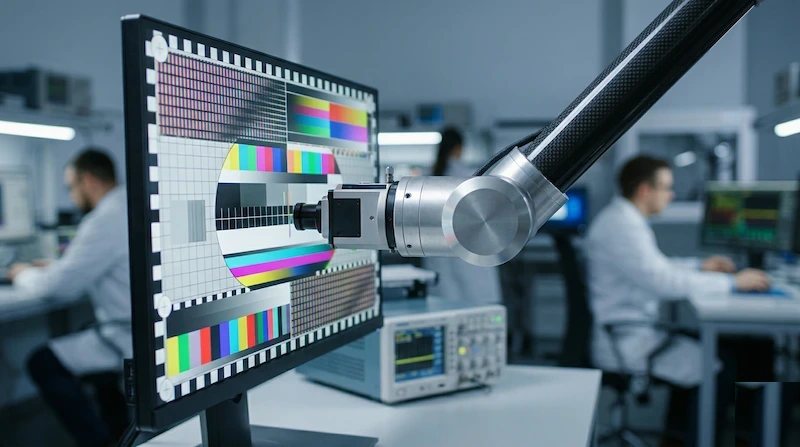
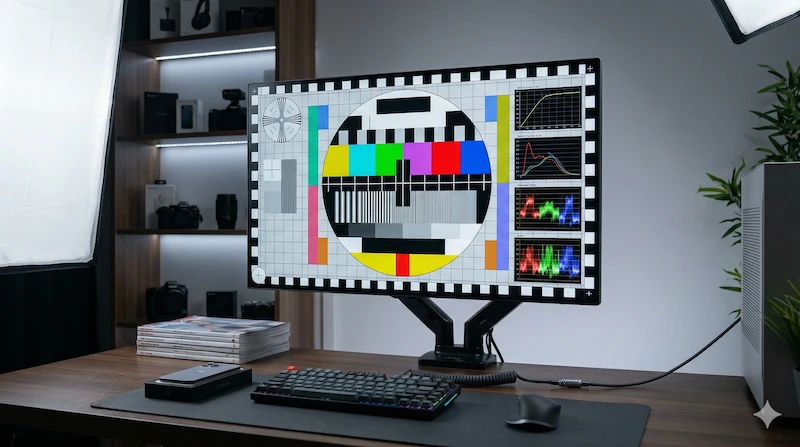
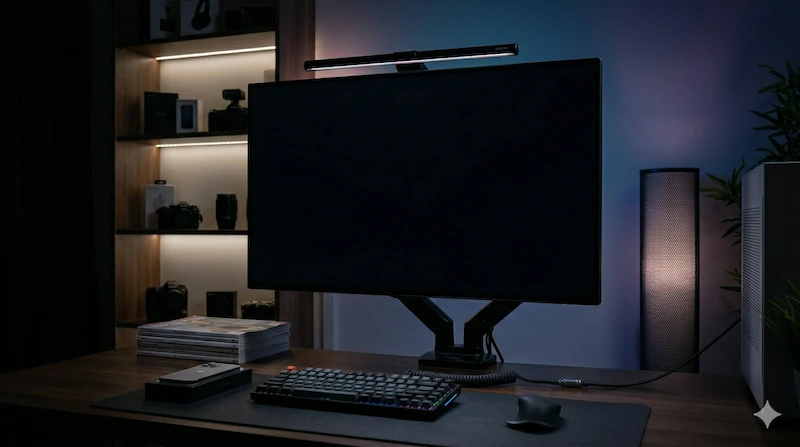
Equipment we use or recommend
We're a small team and don't have access to every piece of professional kit on the market. These are the categories of tools we reach for, or recommend in our buying guides, when accurate measurements matter more than feel-based judgement.
| Category | What it's for |
|---|---|
| Colorimeter | Color accuracy, gamma curve, and white-point measurement (e.g. X-Rite i1Display, Datacolor SpyderX class). |
| Spectrophotometer | Color-gamut coverage and spectral power distribution — more accurate than a colorimeter for wide-gamut and HDR panels. |
| Light meter | Luminance (nits) measurement and ambient-light control for dark-room testing. |
| High-speed camera | Response time, motion blur, and PWM flicker behaviour at 240fps or higher. |
| Macro lens | Sub-pixel photography and panel-structure documentation (defect localisation, subpixel geometry). |
| Input lag tester | End-to-end latency measurement, independent of in-game frame counters. |
| Environmental control | Calibrated thermometer/hygrometer to keep ambient conditions consistent across sessions. |
Testing Methodology
Not every article on this site is a lab review. Some pages are hands-on guides, some explain public standards, and some summarize manufacturer policies. When we make a direct testing claim, we try to state the setup, the limitation, and whether the result is a measurement, an observation, or a source-based explanation.
12-Point Inspection Protocol
When we evaluate a panel for a buying guide or troubleshooting article, we walk through the same 12 checks every time. The goal is not lab-grade certification — it's a reproducible protocol that catches the defects most likely to ruin daily use and that you can run yourself with the tools on this site.
- Backlight Uniformity: Check black, white, and gray screens at several brightness levels, then document obvious edge bleed, cloudy patches, and panel-pressure issues.
- Pixel Defect Inspection: Run full-screen solid color tests (black, white, red, green, blue) and document the location, type, and visible color of any defects.
- Color Accuracy: Use a colorimeter or source-based manufacturer data when available; otherwise, we avoid presenting subjective color impressions as measurements.
- Response Time: Look for ghosting and overdrive artifacts with motion patterns, and cite independent measurement sources when exact GTG numbers are discussed.
- Input Lag: Treat input lag as a specialist measurement. Where exact latency matters, we cite measurement methodology rather than relying on manufacturer marketing claims.
- Viewing Angle: Compare the same test pattern from center, side, above, and below, noting whether glow or contrast changes with head position.
- Contrast Ratio: Explain the expected behavior by panel type and avoid claiming exact contrast values unless they come from a documented measurement.
- Peak Brightness: Use manufacturer specifications and public certification data as starting points, and distinguish sustained brightness from short HDR peaks.
- Black Level: Use a dark room and stable exposure when documenting backlight bleed or IPS glow so photos do not exaggerate or hide the issue.
- Color Gamut: Cite measured gamut coverage where available and explain what sRGB, DCI-P3, and Adobe RGB mean for real workflows.
- Uniformity: Check the panel in sections rather than relying on a single center sample. Gray fields are especially useful for dirty screen effect.
- Burn-in Risk Assessment: For OLED guidance, distinguish temporary image retention from permanent burn-in and cite manufacturer care guidance where possible.
For repeatable checks, we warm up the panel, document brightness settings, keep room lighting consistent, and note any browser or operating-system scaling that could affect the result. Pages that require specialist equipment should say so rather than implying that a browser alone can produce lab-grade certification.
Standard Test Conditions
| Test Condition | Our Standard |
|---|---|
| Warm-up period | 30 minutes from cold start before any measurement. Panels exhibit different thermal behavior when first powered on, affecting brightness, color temperature, and response time. |
| Room lighting | Fully dark room (<1 lux) for backlight bleed and IPS glow tests. Controlled ambient (200 lux, 6500K) for color and uniformity evaluation. Lighting consistency is critical for reproducible results. |
| Test signal source | Native browser rendering at the display's native resolution. No video decoding, no scaling, no post-processing pipeline. This eliminates compression artifacts that would contaminate defect detection. |
| Camera for documentation | Use stable exposure and include the test conditions. Camera photos can exaggerate backlight bleed, so they should support observations rather than replace them. |
| Defect classification | ISO 9241-307 Class II standard as the baseline for dead pixel tolerance. We note where panels exceed or fall below this specification and compare against manufacturer warranty policies. |
| OLED longevity testing | We summarize known OLED care practices and clearly separate temporary retention from permanent burn-in. Long-term claims should be tied to a documented source or stated as general guidance. |
| Calibration verification | When exact measurements are used, the article should state the tool or source. If that information is missing, readers should treat the claim as guidance rather than certification. |
Press & Inquiries
If you'd like to cite our diagnostic tools, link to a wiki article, or coordinate a review unit, we'd love to hear from you. We don't currently maintain a press page of media mentions — we'd rather earn coverage than claim it.
For press, partnerships, or technical questions: Contact Us
Independence & Transparency
BlackScreen.live operates as an independent site. We do not accept payment from manufacturers in exchange for favourable coverage or priority placement, and we do not publish sponsored articles disguised as editorial. If we ever review a unit provided by a manufacturer, that will be clearly disclosed in the article.
We will say critical things about popular monitors when our testing or reading of primary sources warrants it. Our editorial choices are not influenced by ad revenue or affiliate considerations.
How We're Funded
BlackScreen.live is supported primarily through display advertising. Here is how revenue does and does not influence our content:
- Display Advertising (Google AdSense): We show contextual ads on our pages. These ads are algorithmically placed and we have no control over which specific products are advertised. Ad revenue is based on impressions and clicks, not on promoting specific monitors.
- Affiliate Links: We do not currently rely on affiliate links as the site's main funding source. If we add affiliate links to a page, they should be disclosed on or near that page.
- No Sponsored Content: We do not publish sponsored articles, paid reviews, or promotional content disguised as editorial.
- No Pay-for-Placement: Manufacturers cannot pay to have products ranked higher in our articles. If a page includes recommendations, the basis for those recommendations should be visible to readers.
Our Commitment to You
We believe transparency builds trust. If you ever feel our content has been compromised by commercial interests, we want to hear about it. Our reputation depends on maintaining editorial independence, and we take that responsibility seriously. We would rather lose advertising revenue than compromise the accuracy and honesty of our testing and recommendations.
We aim to provide enough detail for readers to understand how a test or claim was made. If a page lacks that context, we treat it as something to improve rather than something readers should accept on trust.
Why Trust This Site
-
First-hand observations where we can make them For tools and articles based on our own testing, we describe the setup and conditions so you can reproduce the result. Where we rely on primary sources or third-party measurements, we cite them rather than restating them as our own.
-
Grounded in published standards We reference ISO 9241-307 for pixel defect classification, VESA DisplayHDR for HDR performance tiers, and peer-reviewed display science literature for OLED degradation data. Sources are cited in each article.
-
Tools built for accuracy, not engagement Our diagnostic tools produce native GPU-rendered output. There is no video compression, no streaming pipeline, and no image processing between the hex value we set and the pixels on your screen.
-
We tell you when something won't work Our Dead Pixel Fixer documentation explicitly states it cannot repair truly dead pixels — only stuck ones. We would rather give you accurate expectations than overclaim tool capabilities.
-
Free, with no data collection No account required. No usage tracking beyond standard anonymized analytics. The tools run entirely client-side in your browser. We are monetized through display advertising, which is disclosed in our privacy policy.
Company
BlackScreen.live is operated by HoloGame Technology Limited, a company registered in Hong Kong.
Registered address: Room C05, Flat A, 2/F, Tontex Industrial Building, 2-4 Sheung Hei Street, San Po Kong, Kowloon, Hong Kong.
Questions or Corrections?
If you spot an error in our methodology, have a monitor you'd like us to include in our database, or just want to share your test results — we read everything.
Get in Touch