 BlackScreen.live
Dead Pixel Warranty Policy: Every Major Brand Compared (2026)

1. The Standard Manufacturers Use Against You
Almost every monitor manufacturer references ISO 9241-307 in their warranty fine print. This is the international standard that classifies pixel defects into five types and establishes "acceptable" defect counts for different panel quality classes. Understanding this standard is the first step to navigating any warranty claim.
The Five ISO Defect Types
- Type 1 (Bright dot): A sub-pixel that is permanently lit on a black background. Typically appears as a tiny red, green, or blue pinpoint.
- Type 2 (Dark dot): A sub-pixel that is permanently off — appears as a black dot on any background. Often called a "dead pixel."
- Type 3 (Bright sub-pixel in dark dot): One or two sub-pixels within an otherwise dark pixel are permanently lit.
- Type 4 (Dark sub-pixel in bright dot): One or two sub-pixels within an otherwise lit pixel are permanently off.
- Type 5 (Cluster): Any group of defective pixels within a 5×5 pixel area.
2. Brand-by-Brand Policy Comparison (2026)
We reviewed the current warranty documentation for all major monitor brands. Policies are updated periodically — always verify against the manufacturer's current support page before making a purchase decision.
| Brand | Policy Name | Bright Pixel Threshold | Dark Pixel Threshold | Our Rating |
|---|---|---|---|---|
| Dell (UltraSharp) | Premium Panel Guarantee | 0 — any bright defect qualifies | 0 — any dark defect qualifies | Best in class |
| Dell (Standard) | Standard Warranty | 1 bright pixel | 5 dark pixels | Above average |
| LG | ISO Class II | 2 bright pixels | 2 dark pixels (center zone stricter) | Average |
| Samsung | ISO Class II | 2 bright pixels | 2 dark pixels | Average |
| ASUS (ProArt) | Zero Bright Dot | 0 bright pixels | 3 dark pixels | Strong |
| ASUS (Gaming/TUF) | Standard | 3 bright pixels | 5 dark pixels | Average |
| BenQ (PD series) | Zero Dead Pixel | 0 bright pixels | 0 dark pixels | Best in class |
| BenQ (Standard) | ISO Class II | 2 bright pixels | 2 dark pixels | Average |
| AOC / Philips | ISO Class II | 2 bright pixels | 2 dark pixels | Average |
| ViewSonic | ISO Class II | 3 bright pixels | 5 dark pixels | Below average |
| Acer (standard) | Zero Bright Pixel (selected SKUs) | Varies by SKU — check at purchase | Varies by SKU | Inconsistent |
| MSI | ISO Class II | 3 bright pixels | 5 dark pixels | Below average |
| Gigabyte | ISO Class II | 3 bright pixels | 5 dark pixels | Below average |
Key takeaway: If pixel integrity matters to you — for photo editing, color-critical work, or simply peace of mind — Dell UltraSharp and BenQ PD series are the only mainstream brands that guarantee zero defects out of the box. For everyone else, you're accepting some level of defect tolerance at purchase.
3. How to Document a Defect and Win the RMA
Manufacturers require clear evidence before processing a replacement. A verbal complaint or a blurry phone photo is almost always rejected. Here is the exact procedure we've used successfully in multiple warranty claims:
-
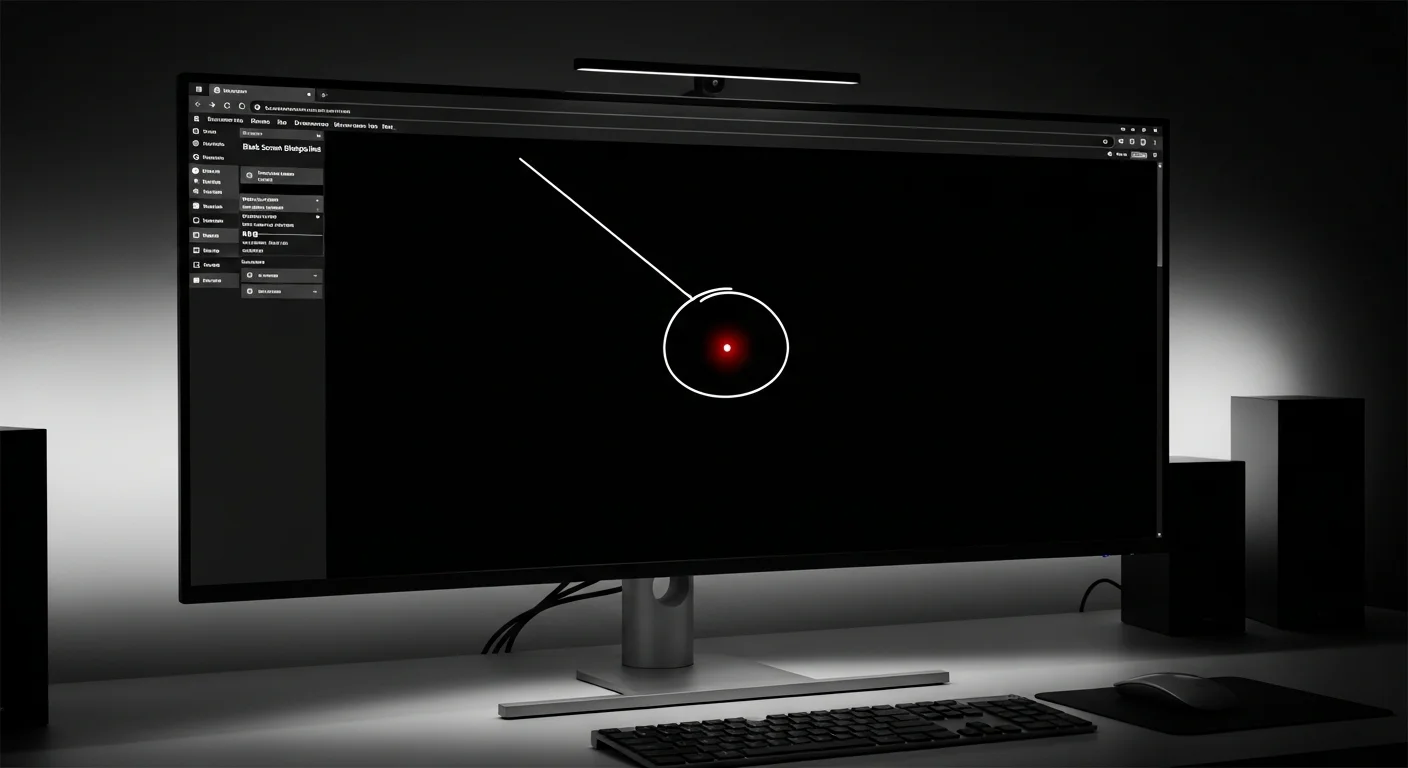
1Run our Display Test in a darkened room Open BlackScreen.live Display Test and cycle through the pure black, red, green, and blue full-screen fields. Stuck pixels reveal themselves as a bright dot on the black field; dead pixels appear as a dark dot on the colored fields.
-
2Count and locate every defect precisely Note the screen coordinates (e.g., "approximately 2 inches from the top-left corner"). Manufacturers sometimes ask for pixel coordinates. You can estimate from screen resolution: a defect at roughly 1/4 from left on a 1920px wide screen is near x=480.
-
3Take a screenshot — not a phone photo Use your OS screenshot tool (Cmd+Shift+4 on Mac, Win+Shift+S on Windows) while the black field is showing. This captures the actual pixel data at native resolution. A photo taken with your phone will introduce camera noise and auto-exposure compensation that obscures the defect.
-
4Attempt the pixel fixer first (if stuck, not dead) Run our Dead Pixel Fixer for one 30-minute session. If the pixel is stuck (colored, not black) there is a reasonable chance it recovers. If it's a dead pixel (black on all fields), proceed directly to the RMA — no software will fix a dead transistor.
-
5Submit with the ISO classification When contacting support, specify the defect type using ISO language: "I have one Type 1 bright defect (permanently lit sub-pixel) and one Type 2 dark defect visible on the attached diagnostic screenshot." This signals that you know the standard and are less likely to be dismissed with a generic response.
4. What "Zero Dead Pixel" Guarantees Actually Mean
Brands that advertise a "Zero Dead Pixel" policy don't screen every panel before shipping. What they're actually offering is a no-questions-asked replacement if you find any defect within the warranty period — typically 30 days to 3 years depending on the brand and product tier.
The practical difference: with a standard ISO Class II policy, you must accumulate enough defects to cross the threshold before the brand acts. With a zero-defect policy, a single stuck pixel found on day one is grounds for immediate exchange. For high-spend purchases over $400, it's worth paying the premium for a brand tier that offers this.
The 30-Day Window
Even with weak policies, most brands offer a "no defects accepted" window for the first 7–30 days from purchase. Always run a full display test within 48 hours of unboxing. Defects found after this window fall under the harder-to-enforce standard warranty terms.
Conclusion
Dead pixel policies are a form of quality signal. Brands that offer zero-tolerance guarantees do so because their manufacturing consistency is high enough to make it commercially viable. Brands hiding behind ISO Class II thresholds are implicitly acknowledging higher defect rates at their price points.
Before your next monitor purchase, check the specific model's warranty documentation — not just the brand's general policy. Use our Display Test to audit any new panel within 24 hours of delivery. A five-minute test on day one is worth far more than a warranty claim six months later.
Sources & Further Reading
- ISO 9241-307:2008 — Analysis and compliance test methods for electronic visual displays (pixel defect classes)
- Dell Premium Panel Guarantee — official policy documentation
- BenQ PD series — Zero Dead Pixel guarantee for professional display monitors
- BlackScreen.live Dead Pixel Fixer — chromatic agitation tool for stuck sub-pixel recovery before filing RMA
- BlackScreen.live Display Test — native GPU-rendered diagnostic for defect documentation