 BlackScreen.live
Monitor Warranty Guide
Buying a monitor is a significant investment, and discovering defects after purchase is frustrating. Understanding warranty policies before you buy—and knowing how to navigate the RMA process when problems arise—can save you hundreds of dollars and weeks of frustration.
This guide is based on our analysis of warranty policies from 15 major monitor manufacturers, updated for 2026.
1. Dead Pixel Policy Comparison
Dead pixel policies are the most important warranty consideration for monitor buyers. Policies vary from zero-tolerance (any dead pixel = free replacement) to requiring 8+ defects before honoring a claim.
| Brand / Line | Dead Pixel Policy | Warranty Period | Rating |
|---|---|---|---|
| Dell UltraSharp | Premium Panel Guarantee: 0 bright pixels, 0 dark pixels | 3 years | Excellent |
| ASUS ProArt | 0 bright pixels guaranteed | 3 years | Excellent |
| EIZO ColorEdge | 0 bright pixels, 0 dark pixels for 5 years | 5 years | Best in class |
| BenQ SW Series | 0 bright pixels for 3 years | 3 years | Excellent |
| LG UltraFine | 1 bright pixel allowed; 3+ dark pixels for replacement | 3 years | Good |
| Samsung Odyssey | ISO 9241-307 Class II (2 bright, 2 dark) | 3 years | Good |
| ASUS TUF Gaming | ISO 9241-307 Class II (2 bright, 2 dark) | 3 years | Good |
| Acer Predator | 5+ defects required for replacement | 3 years | Poor |
| MSI Gaming | 5+ defects required for replacement | 3 years | Poor |
| Budget brands | 8+ defects typically required | 1-2 years | Poor |
For a comprehensive database of dead pixel policies, see our dedicated dead pixel policy guide.
2. Understanding ISO 9241-307 Pixel Defect Classes
Many manufacturers reference ISO 9241-307 in their warranty documentation. This standard classifies pixel defects into four classes:
- Class I: Zero defects allowed. Used for medical imaging and professional reference monitors.
- Class II: Maximum 2 bright defects, 2 dark defects, 5 partial defects. Premium consumer monitors.
- Class III: Maximum 5 bright defects, 15 dark defects. Standard consumer monitors.
- Class IV: Maximum 50 bright defects, 150 dark defects. Budget and industrial displays.
When a manufacturer says their monitor meets "ISO 9241-307 Class II," they are saying up to 2 bright and 2 dark dead pixels are acceptable and will not be replaced under warranty.
3. Types of Warranty Coverage
Standard Warranty
Covers manufacturing defects in materials and workmanship. Typically 1-3 years. Does not cover physical damage, accidental damage, or normal wear. Dead pixel coverage varies by manufacturer and product line.
Advanced Exchange / Advance Replacement
The manufacturer ships a replacement unit before you return the defective one. Reduces downtime significantly. Available from Dell, EIZO, and some ASUS ProArt models. Often requires a credit card hold for the replacement unit value.
On-Site Service
A technician comes to your location to repair or replace the monitor. Available for some business-grade monitors (Dell UltraSharp with NBD on-site service). Typically requires a service contract or premium warranty tier.
Extended Warranty
Third-party extended warranties (SquareTrade, Asurion) can extend coverage beyond the manufacturer warranty. Evaluate cost versus monitor value—extended warranties are most worthwhile for monitors over $500.
4. How to File a Successful RMA Claim
Step 1: Document the Defect
Before contacting support, document your defect thoroughly:
- Use our monitor test to identify and confirm defects
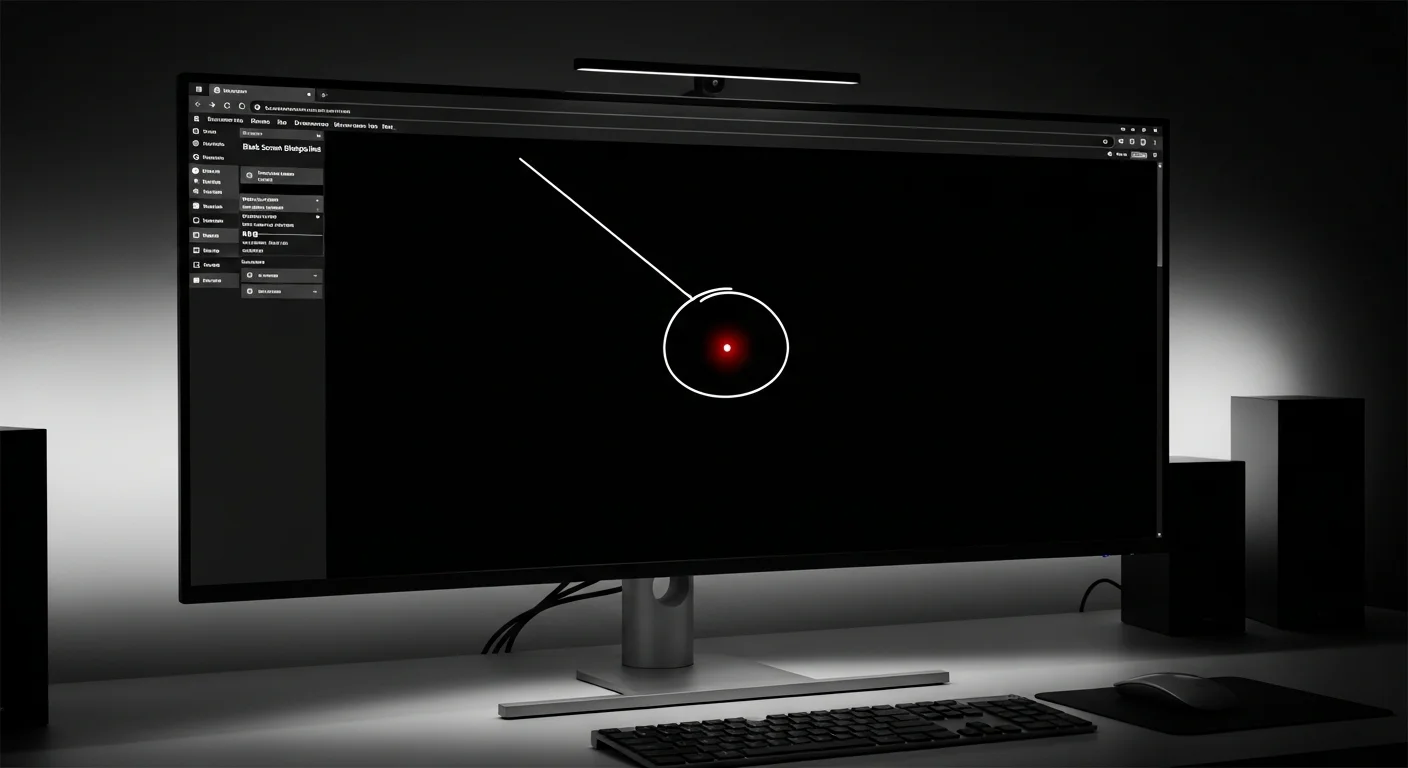
- Photograph defects with a camera (not screenshots)—use macro mode for dead pixels, 1-2 second exposure for backlight bleed
- Note the defect location (distance from edges, approximate coordinates)
- Test at multiple brightness levels and document which settings make the defect visible
- Record your monitor's serial number, model number, and purchase date
Step 2: Contact Support
- Use the manufacturer's official support channel (phone or chat is faster than email)
- Have your serial number, purchase date, and defect documentation ready
- Reference the specific warranty policy (e.g., "Your Premium Panel Guarantee states zero bright pixels")
- Be specific: "I have one bright stuck pixel at approximately 3 inches from the left edge, 2 inches from the top, visible on black backgrounds"
Step 3: Escalate if Necessary
If initial support denies your claim despite meeting warranty criteria:
- Ask to speak with a supervisor or escalation team
- Reference the specific warranty document language
- File a complaint with your credit card company if purchased by credit card (many cards offer purchase protection)
- Contact your country's consumer protection agency if the manufacturer refuses a valid warranty claim
- Leave detailed reviews on retailer sites—manufacturers often respond to public complaints
5. Retailer Return Policies vs. Manufacturer Warranty
For defects discovered within the retailer's return window (typically 15-30 days), returning to the retailer is often faster and easier than filing a manufacturer warranty claim:
- Amazon: 30-day return window for most monitors. No questions asked for defective items.
- Best Buy: 15-day return window (30 days for Elite members). Defective items can be exchanged.
- B&H Photo: 30-day return window. Excellent customer service for defective items.
- Newegg: 30-day return window. Check specific product return policy before purchasing.
6. What Warranties Don't Cover
Understanding warranty exclusions prevents surprises:
- Physical damage: Cracked screens, dents, scratches from drops or impacts
- Burn-in (OLED): Most manufacturers exclude OLED burn-in from warranty coverage, though some offer limited burn-in coverage for the first year
- Normal wear: Gradual brightness reduction over time (LCD backlights lose ~50% brightness over 50,000 hours)
- Cosmetic damage: Minor scratches on the bezel or stand
- Damage from improper use: Voltage spikes, liquid damage, using the monitor outside specified conditions