 BlackScreen.live
Why Use a Pure Black Screen?
A pure black screen is one of the most versatile utilities for both professional hardware technicians and everyday computer users. Displaying a true `#000000` hex color code across your entire monitor serves several critical functions:
- Testing for Backlight Bleed: On traditional LCD panels, displaying a completely black screen in a dark room is the only way to accurately expose light leaking from the edges of the bezel (backlight bleeding) or cloudy patches in the center (dirty screen effect).
- Finding Stuck Pixels: A transistor permanently stuck in an "on" state will shine brightly against a black background, making it easy to spot red, green, or blue dots. If you find one, use a dead pixel fixer tool to attempt a repair.
- Screen Cleaning: When your screen is displaying a colorful desktop, it's impossible to see dust, fingerprints, and oily streaks. A black screen canvas acts like a dark mirror, revealing every smudge for safe cleaning.
- Hiding a Second Monitor: Gamers and streamers often use a pure black background to virtually "turn off" their secondary monitors without physically powering them down or rearranging their Windows display settings, removing bright distractions from their peripheral vision.
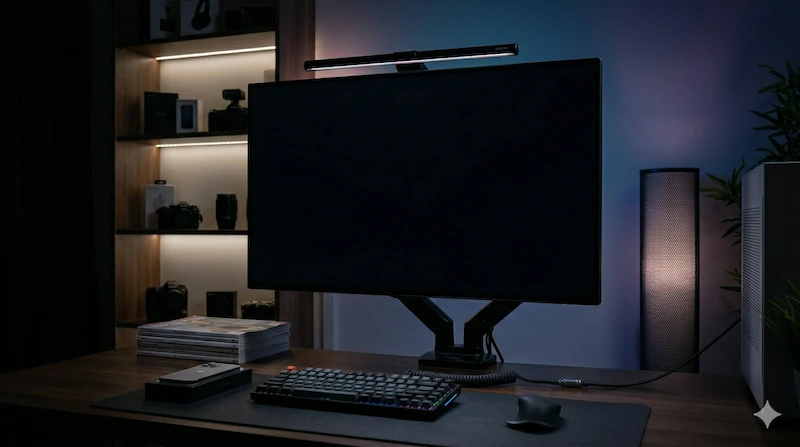
OLED vs. LCD: The True Black Test
If you run a black screen test, the results will dramatically differ depending on the underlying technology of your display panel.
OLED and AMOLED Displays
OLED (Organic Light-Emitting Diode) technology does not use a global backlight. Instead, every single pixel generates its own light. When an OLED panel is instructed to display a pure black image, those specific pixels are physically turned off. They emit zero light. Therefore, a black screen on an OLED monitor or modern smartphone provides infinite contrast and an "inky" true black experience.
LCD, LED, and IPS Displays
Traditional displays use a backlight grid (edge-lit or full-array) that continuously shines white light through a layer of liquid crystals. To display black, the crystals twist to block the light. However, they can never block 100% of it. During a black screen test on an IPS monitor, you will inevitably see a faint grey/blue glow, especially in the corners. This is normal and is referred to as "IPS Glow."
Black Screen Test FAQ
How do I get a pure black screen?
Simply click the "Enter Full Screen Black" button at the top of this page. Your browser will hide all toolbars, taskbars, and menus, filling your entire monitor with a pure #000000 black background. Click anywhere or press ESC to exit.
Does a black screen save battery life?
It depends on your screen technology. If you have an OLED or AMOLED display (common in modern smartphones and high-end laptops), a black screen will save significant battery life because the pixels actually turn off. On traditional LCD/IPS monitors, the backlight remains on, so it does not save power.
Why is my black screen glowing?
If your pure black screen has a white or golden glow in the corners, you are likely seeing "IPS Glow", which is normal for IPS panels. If you see uneven bright patches along the edges of the bezel, it is a hardware defect known as "Backlight Bleeding".